
How Search and Categories Work on Sound Buttons Max
A practical walkthrough of finding clips on Sound Buttons Max: search, categories, trending, and when a sound page is the better starting point.
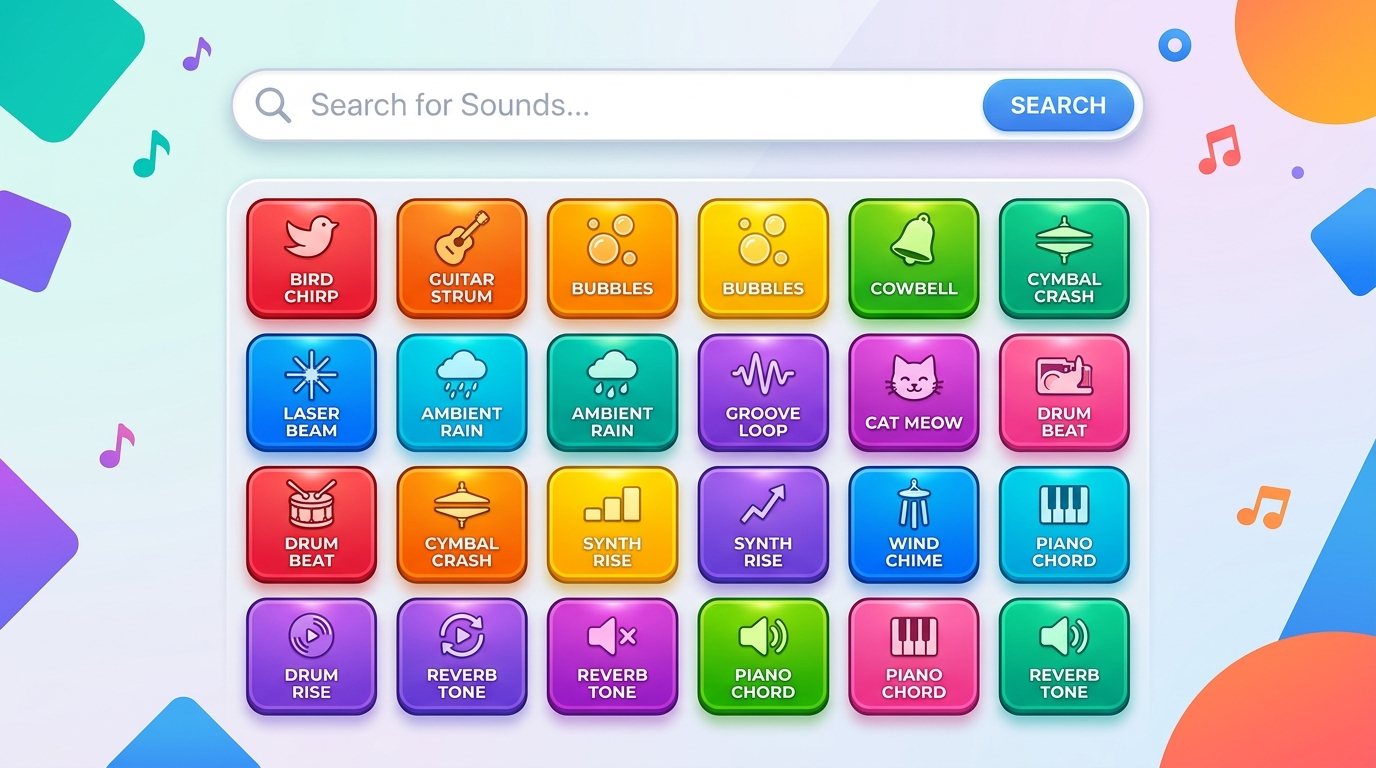
Most people land on Sound Buttons Max because they already hear a clip in their head. The site is built around that habit: type a name, tap a button, decide if it is the take you meant. This guide explains how the library is laid out so you spend less time hunting and more time actually using the sound.
Start with the name if you know it
The search field in the header is the fastest path when you remember even part of a title. Try the joke, the character, or a couple of words from the meme. Results update as you type, and each card still plays in place. You do not need to open a new tab just to audition a clip.
If search feels noisy, shorten the query. “Vine” is vaguer than “vine boom.” “Anime” is vaguer than the specific reaction you want. The catalog is large enough that two extra characters usually cut the list in half.
Use categories when you only know the vibe
When you do not have a title, open https://soundbuttonsmax.net/categories. Boards are grouped by how people actually use them: meme stings, practical sound effects, movie-style quotes, game cues, reactions, pranks, TikTok-length clips, and a smaller set of texture/creativity beds.
Category pages are for browsing, not for reading a novel. Skim the buttons, play two or three, then open the one that is close. The sound page is where the longer write-up, download, and related clips live.
Trending and new are different lists
Trending is what people have been tapping lately on this site. New is arrival order. If you are trying to catch a joke that just spread, trending is the better first stop. If you already know the old classics, new is how you see what was added since your last visit.
When to open the full sound page
The homepage grid is for speed. Open the dedicated page when you need the MP3, a shareable URL, or a description of what the clip actually is. Related buttons on that page are usually a better “more like this” tool than starting a brand new search.
A simple search habit that works
- Search the exact name if you have it.
- If nothing matches, jump to the category that matches the job (reaction vs effect vs prank).
- Play three candidates in the grid.
- Open the winner, download if you need it offline, and save the URL.
That loop is the whole product. Sound Buttons Max is a library with playable buttons, not a social network. Once you treat search, categories, and sound pages as three different tools, the catalog feels smaller than the raw count suggests.