
Keep Repeat-Use Sounds Straight Without Losing the File
A simple way to keep your regular Sound Buttons Max clips organized: favorites in the browser, named downloads, and links in your notes.
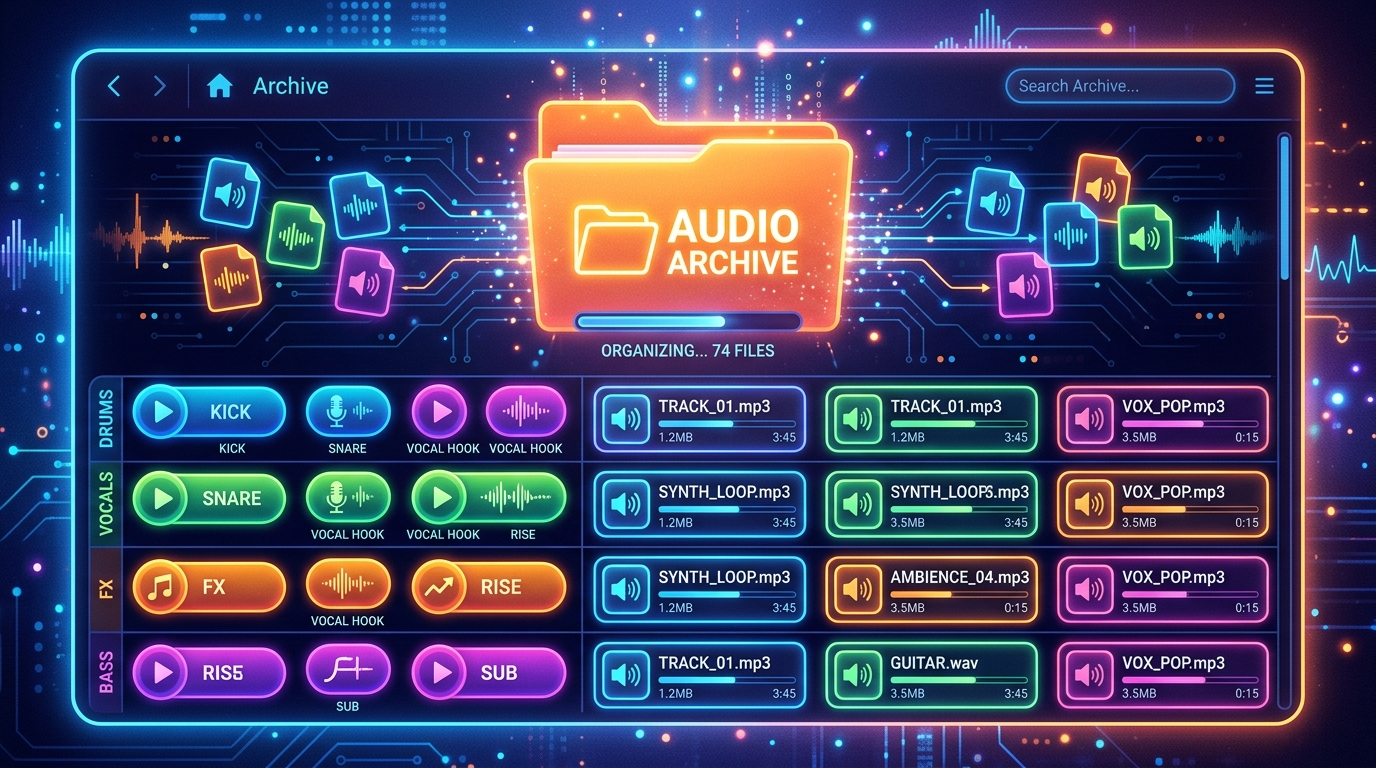
The same twelve sounds do most of the work. The rest of a catalog is for hunting. If you keep re-downloading the same MP3 because you cannot find last week’s file, the problem is organization, not the website. Here is a small system that matches how Sound Buttons Max actually works.
Use favorites on the site
The heart icon on a card saves the clip in this browser. That list is for the sounds you already trust. It is not a cloud locker and it is not an account. If you switch machines, you will need the URLs too. Treat favorites as a local speed layer.
Name the download like a human
Rename goofy-ahh-laugh.mp3 to something you will search on disk, including the job: sting-goofy-laugh-discord.mp3. Future you will not remember which of five near-identical files was the good take.
Save the page URL next to the file
A line in a note, a Discord saved message, or a comment on the timeline. The slug on Sound Buttons Max is stable. When a collaborator needs the same take, you send a page that still plays, not a file that may have been overwritten.
Keep a live roster and a junk drawer
Your Discord board, OBS deck, or phone folder should only hold the roster. Everything else can stay on the website until you need it. Searching 400 files on the site is faster than searching 400 unlabeled downloads in a desktop folder called New folder (2).
Re-preview after a long break
Jokes rot. A clip that slapped in July can feel tired in September. Play it on the site again before you put it back into a weekly stream overlay. It takes two seconds and saves you from becoming the person who only has one bit.