
Using Sound Buttons Max Clips in Discord and OBS
How to take a clip from Sound Buttons Max and get it into Discord soundboard slots or OBS without turning your stream into a mess of overlapping audio.
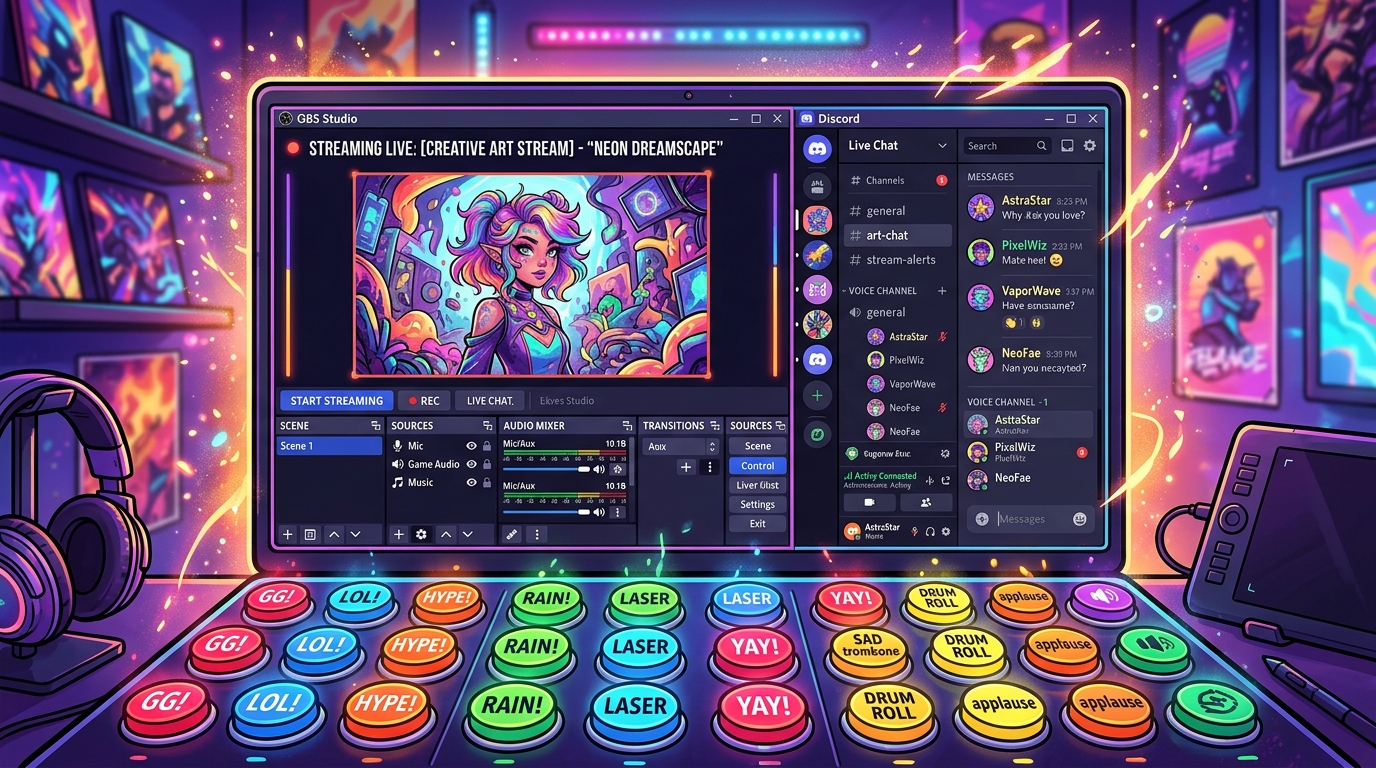
A sound button is only useful if it shows up in the room where your friends already are. For a lot of people that room is Discord. For streamers it is OBS. This article is the boring, useful version: how to get a file from Sound Buttons Max into those tools without wrecking the rest of your audio.
Get the file first
Open the sound page, tap play, and confirm it is the take you want. Then download the MP3. Previewing on the site matters because several jokes exist under similar names. The download is the same file the button plays.
Discord soundboard slots
On desktop Discord, server soundboards are limited in length and size. Short stings from this library usually fit; full songs do not, and that is intentional. Name the slot something you will remember at 2 a.m., not the raw filename.
Hotkeys help if you use the same three reactions all night. Do not bind them to keys you already use in game. The classic failure is a reload key that also fires a meme scream.
OBS media sources
In OBS, add a Media Source pointing at the MP3. Uncheck “Restart playback when source becomes active” if you only want it when you fire a hotkey. Use the same hotkey workflow you use for scene switches. Keep the source out of your mic track so viewers do not hear a doubled, phasey mess.
If you already run alerts through Streamlabs or Streamelements, you may not need OBS at all. Put the file in that alert pack instead of stacking two systems that both fire on follow.
Loudness
Phone-speaker memes are mastered to be annoying on purpose. On a stream that reads as clipping. Drop the media source fader before you go live and test with a YouTube VOD of your own voice. If the sting is louder than your shout, it is too loud.
Etiquette that keeps you invited back
One sting after a play is funny. Six overlapping stings is how people mute you. In Discord, watch whether someone is already talking. On stream, leave a beat after a death or a win so the game audio can finish. The clip should underline the moment, not replace it.
That is the whole setup. Preview on Sound Buttons Max, download one MP3, bind it once, and keep the fader boring. The joke works better when the engineering disappears.